mac software blog software purchase frequently asked questions macintosh home page contact information mac home page

Better Software for Apple Mac osx

Quick Download:

split fiolders osx

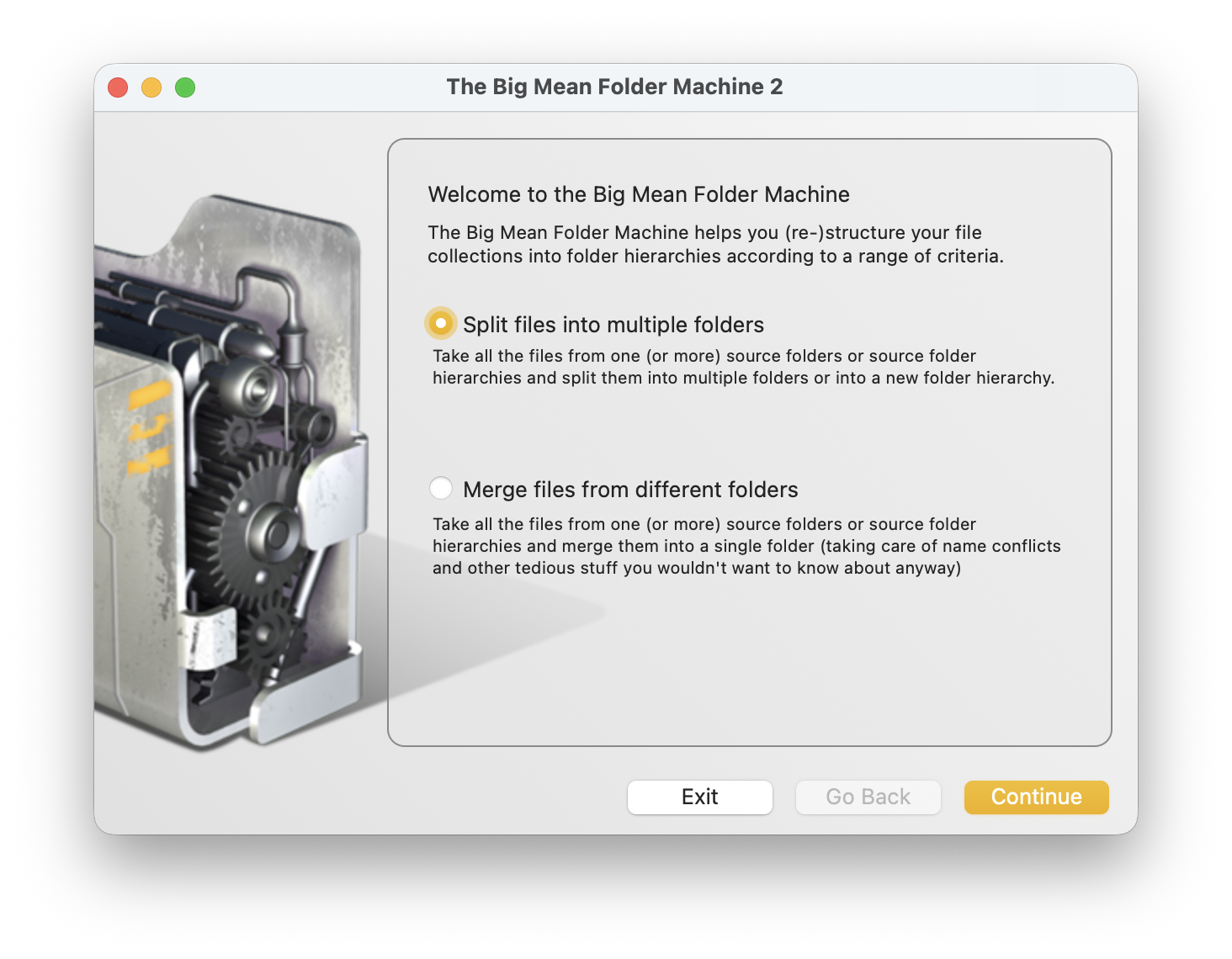
The Big Mean Folder Machine brings structure to your file collections.

The Big Mean Folder Machine is an essential tool for anyone working with large file collections, including digital photographers, content creation, post-production or other creative professionals, system administrators, ...

Split files into folders

Split file collections into folder hierarchies

The Big Mean Folder Machine makes splitting large file collections into multi-level folder hierarchies easy and fast. Just tell it where to find the files and specify a splitting criteria for each hierarchy level and let the Big Mean Folder Machine do the rest.

You can create folders based on:

  • the file name (or parts of the file name)
  • the file type (e.g. jpeg, cr2)
  • the file's creation or modification date
  • the digital photo's shooting date (supports JPEG, CRW (Canon), CR2 (Canon), THM (Canon), NEF (Nikon), TIFF, RAJ (Fuji), ORF (Olympus), MRW (Minolta), DNG (Abobe), Pentax (PEF) or SRF (Sony))
  • your music's id3 tags (artist, album, song, etc.)

The Big Mean Folder Machine allows you to define your own date or music tag patterns and extract text from the file names in a variety of ways.

Split files into batches of any size

The Big Mean Folder Machine allows you to split your file collections into batches of specific numbers of files or based on their size, e.g. "4GB per folder", "2000 files per folder", etc.

Merge files from multiple folders into a single folder

Merge files from several folders into a single folder

Unify your entire file collection into a single folder without having to worry about file name conflicts.

Usage Scenarios

  • splitting large file collections into 4Gb "chunks" for backup onto DVD
  • splitting your photo collection into multi-level folder hierarchies by file type (e.g. JPEG and RAW file), by year and by month
  • restructuring your mp3 or acc collection
  • splitting your overfull "Documents" folder into one subfolder per file type (e.g. all Word documents, all Excel, all PDF documents into separate folders)
  • merging several music or image collections
  • preparing your deliverables before shipping them to your customers
  • ...

Selected Features

  • Easy-to-use "Assistant"-style user interface walks you through each decision
  • Industrial-strength, database-backed, file moving and copying engine that easily deals with hundreds of thousands of files
  • full preview before anything is done
  • customizable folder naming schemes based on a range of criteria
  • automatically resolves file name conflicts
  • EXIF time stamp reading support for JPEG, CRW, CR2, THM, NEF, digital camera TIFF, RAF, ORF, MRW, SRF, PEF and DNG
  • id3 music tags supported in ripped mp3, m4a, m4b or iTunes Music Store protected m4p
  • ...