
Multi-Step Renames and Presets
The Advanced Sidebar
The Better Rename Advanced Sidebar: the action list for multi-step renames with its add, remove, filter and options buttons, and the presets list.
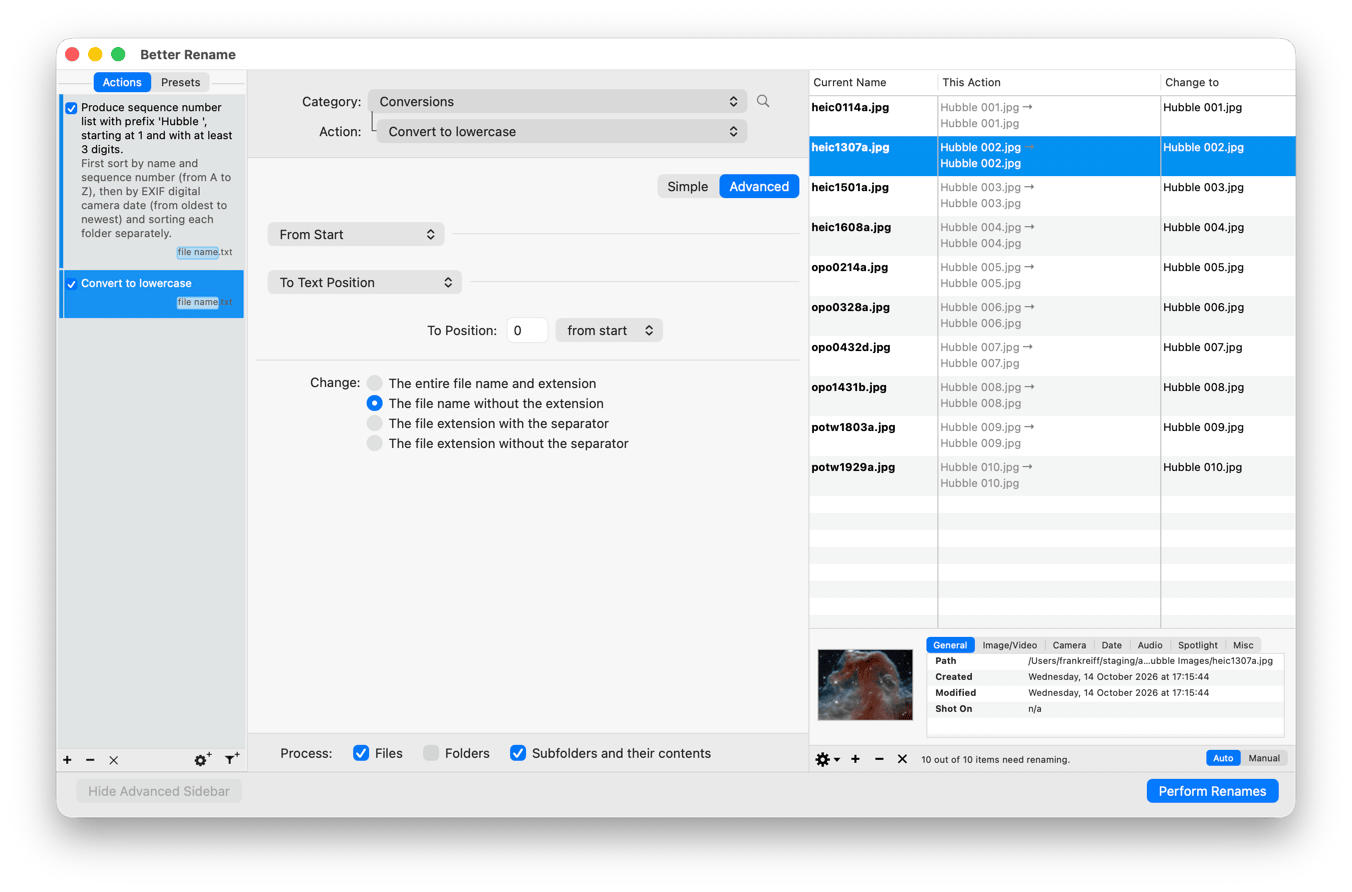
The Advanced Sidebar contains the Actions list and the Presets list.
Each entry in the action list describes the action in plain words and shows, with a small file name / .txt badge,
which part of the name the action changes. The checkbox in front of an entry activates or deactivates the action. The
buttons at the bottom of the list add a copy of the selected action (+), remove it (-), remove all other actions
(×), add an Advanced Options action (gear) or a filter action (funnel).
The action list allows you to combine several renaming actions into a multi-step rename.
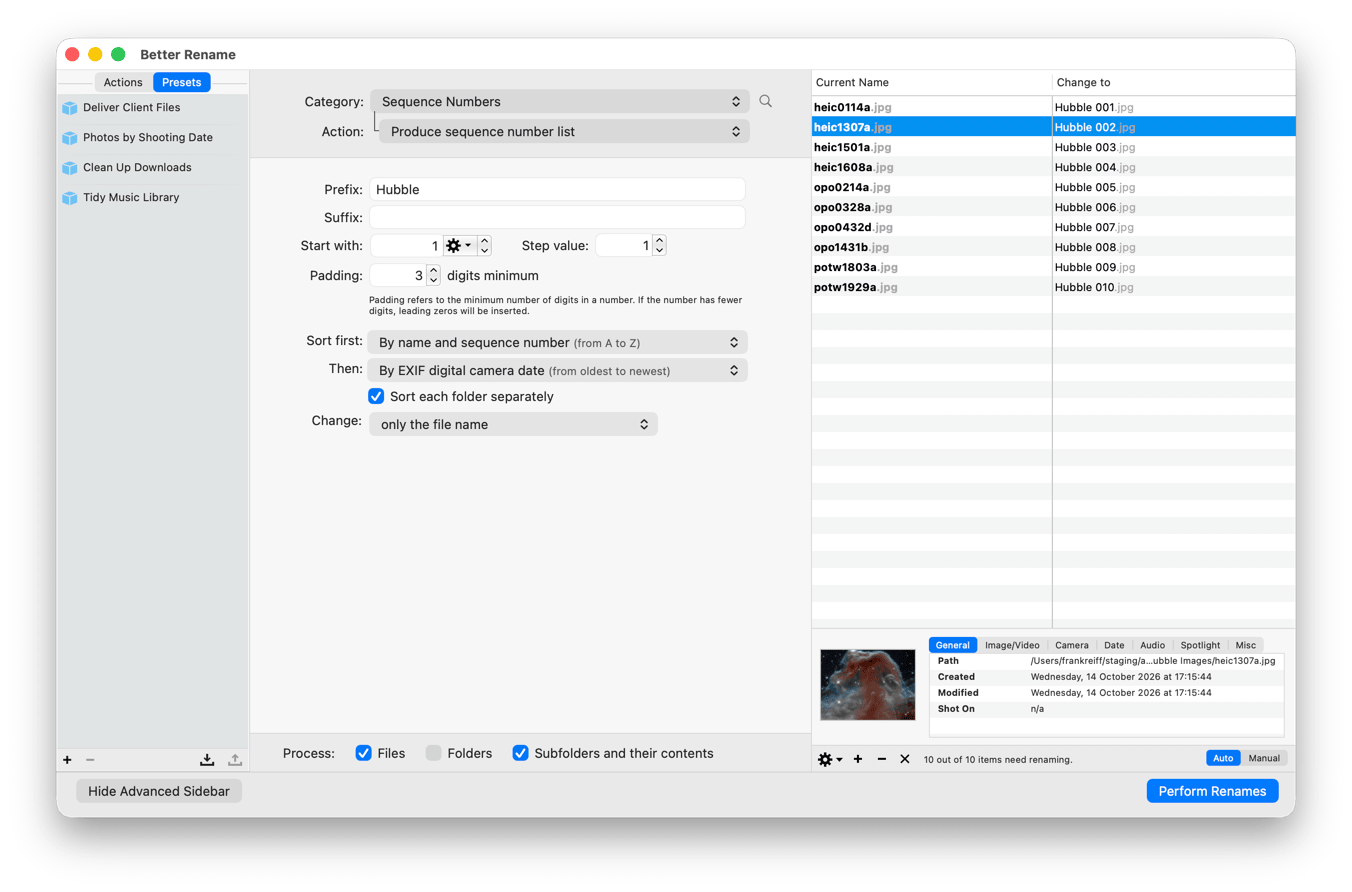
The Presets tab lists your saved presets. Double-click a preset to load its actions. The
buttons at the bottom of the list save the current actions as a new preset (+), delete the selected presets (-),
import presets from files and export the selected ones. Hovering over a preset shows a … button whose menu lets
you rename the preset.
You can show and hide the Advanced Sidebar with the Show Advanced Sidebar button or by choosing View › Toggle Sidebar.