Splitting or Merging?

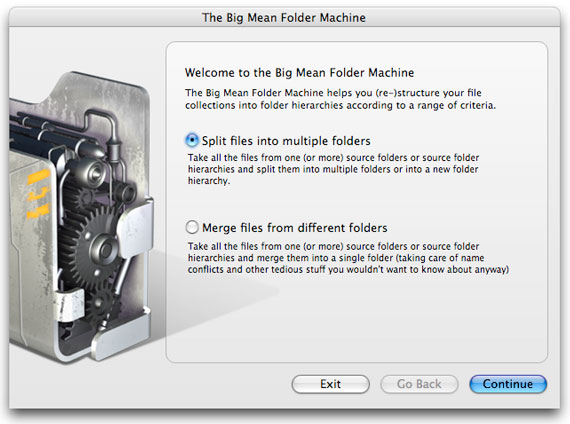
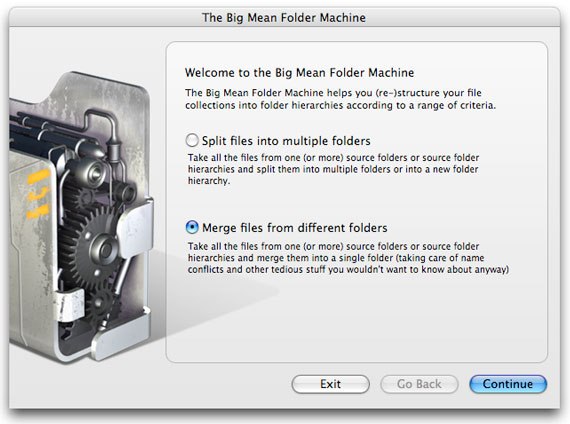
Welcome screen: choose between splitting files into multiple folders and merging files from different folders

Let's split into batches of 10 files per folder..

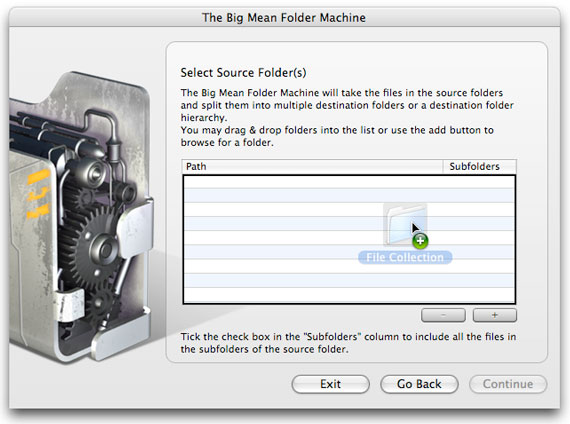
Select Source Folders screen with a folder being dragged into the empty list

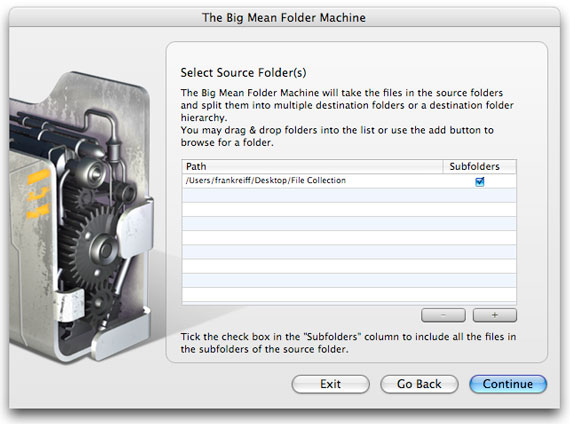
Select Source Folders screen listing the File Collection folder with Subfolders ticked

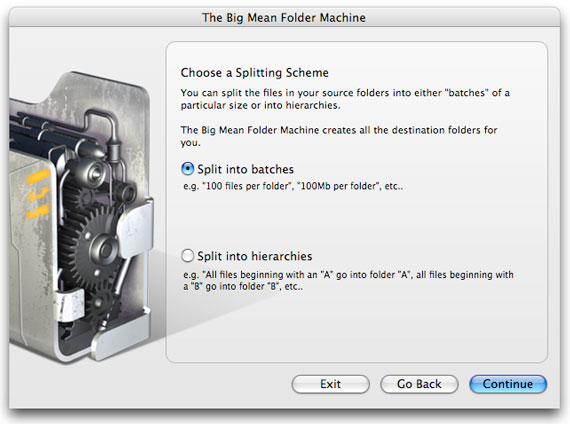
Choose a Splitting Scheme screen with Split into batches selected

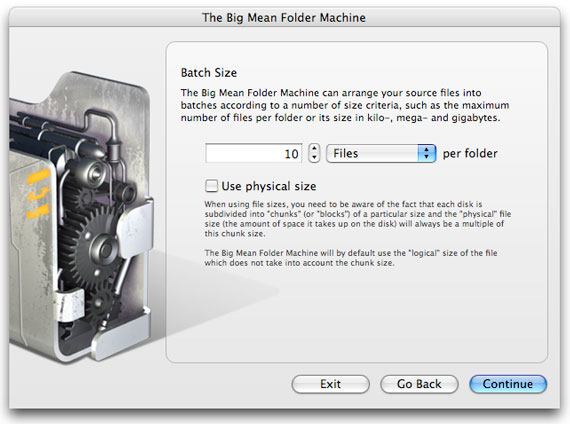
Batch Size screen set to 10 files per folder

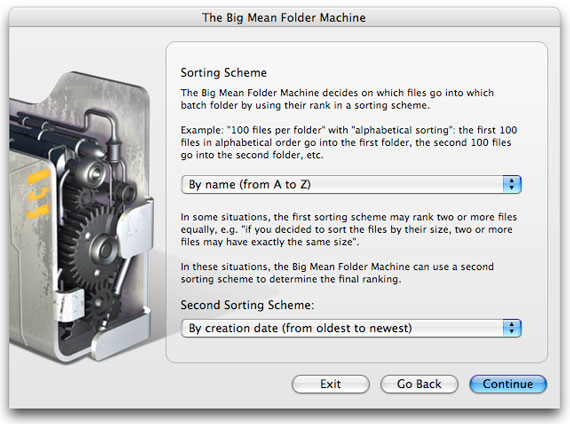
Sorting Scheme screen: by name from A to Z, then by creation date

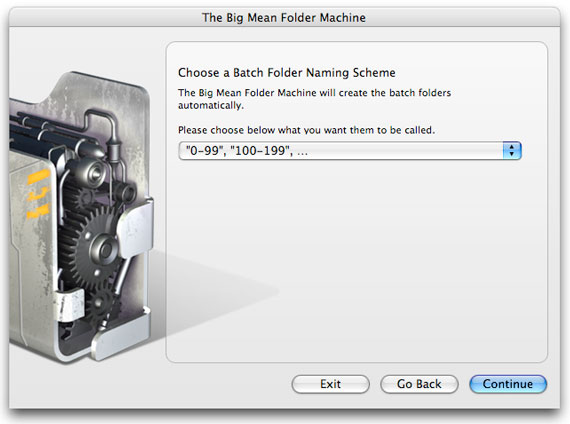
Batch Folder Naming Scheme screen with folders named 0-99, 100-199 and so on

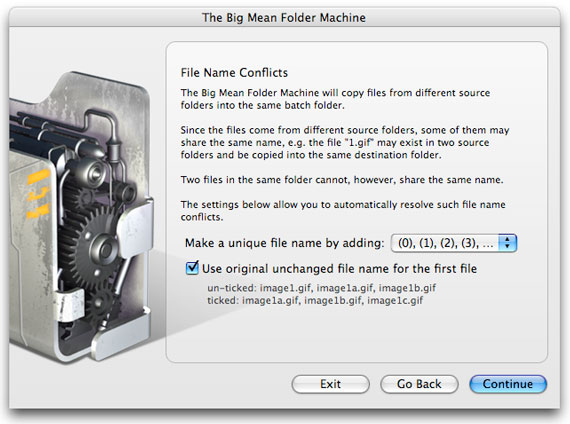
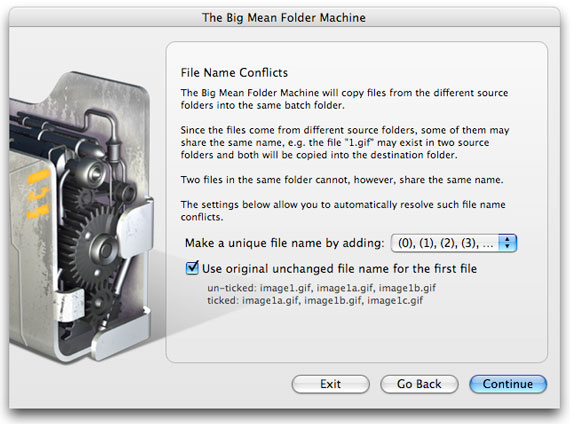
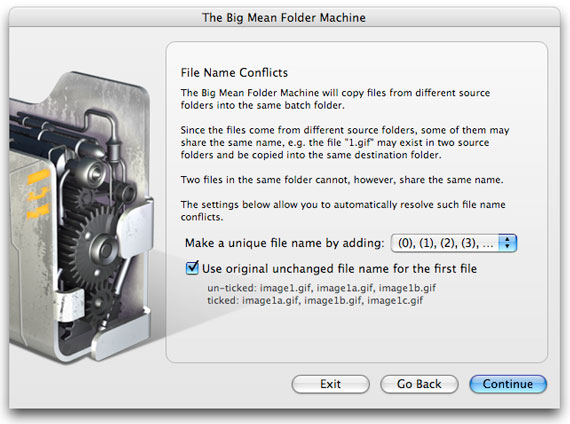
File Name Conflicts screen making names unique by adding (0), (1), (2)

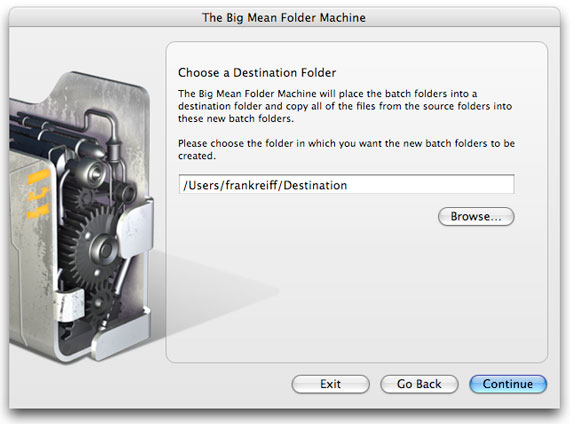
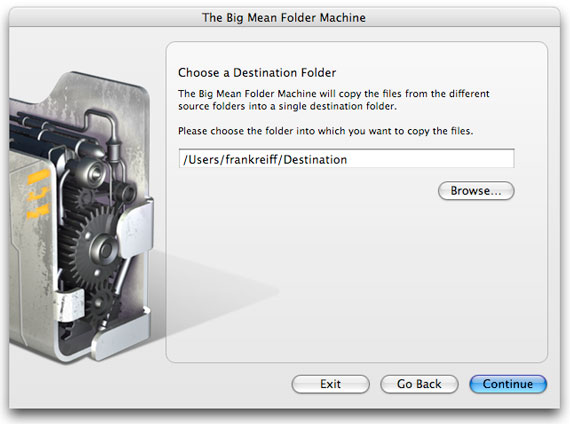
Choose a Destination Folder screen with the destination path filled in

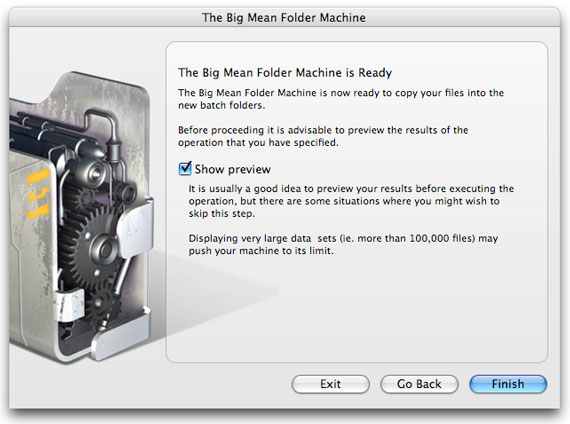
Ready screen with the Show preview option ticked before the files are copied

Or merge some folders..

Welcome screen with Merge files from different folders selected

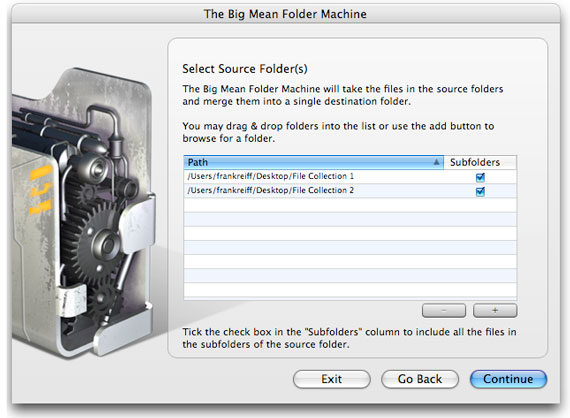
Select Source Folders screen listing File Collection 1 and File Collection 2

File Name Conflicts screen for the merge

Choose a Destination Folder screen for the merge

Or split some files into a folder hierarchy by the first letter of their name..

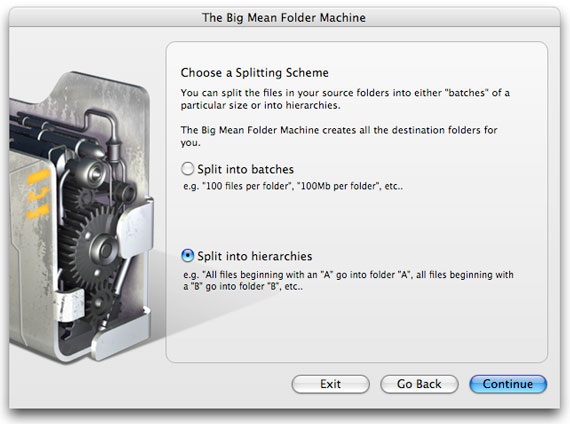
Choose a Splitting Scheme screen with Split into hierarchies selected

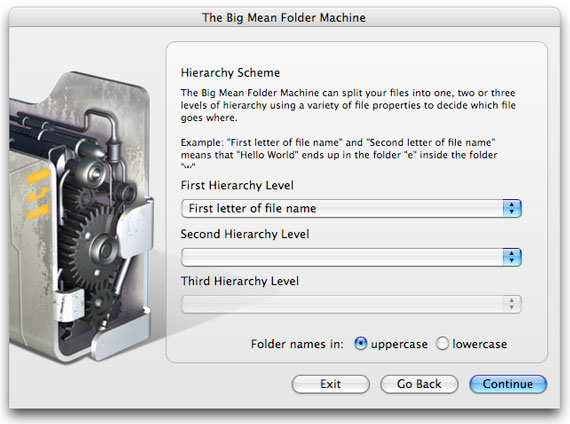
Hierarchy Scheme screen using the first letter of the file name as the first level, with uppercase folder names

File Name Conflicts screen for the hierarchy split

Home | FAQ | Blog | Contact