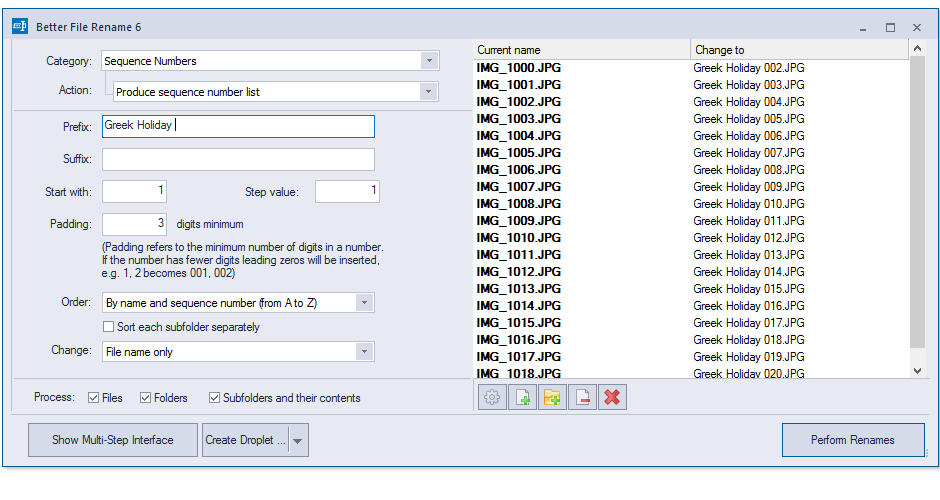
No manual, no guesswork — just drag, preview and rename.
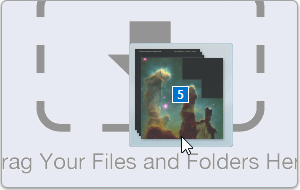
Adding files is as simple as dragging them in from Windows Explorer.
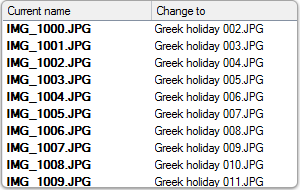
Changes are previewed as you type, eliminating guesswork and preventing costly mistakes.
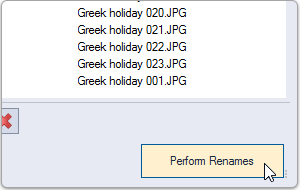
A single mouse click renames hundreds, thousands or tens of thousands of files.

Building the ultimate file renamer takes time. That's why, ever since 2003, we have made it our business to listen to our customers.
Based on the best-selling Mac batch file renaming tool, Better File Rename is the choice of thousands of professionals, businesses and hobbyists across the world.
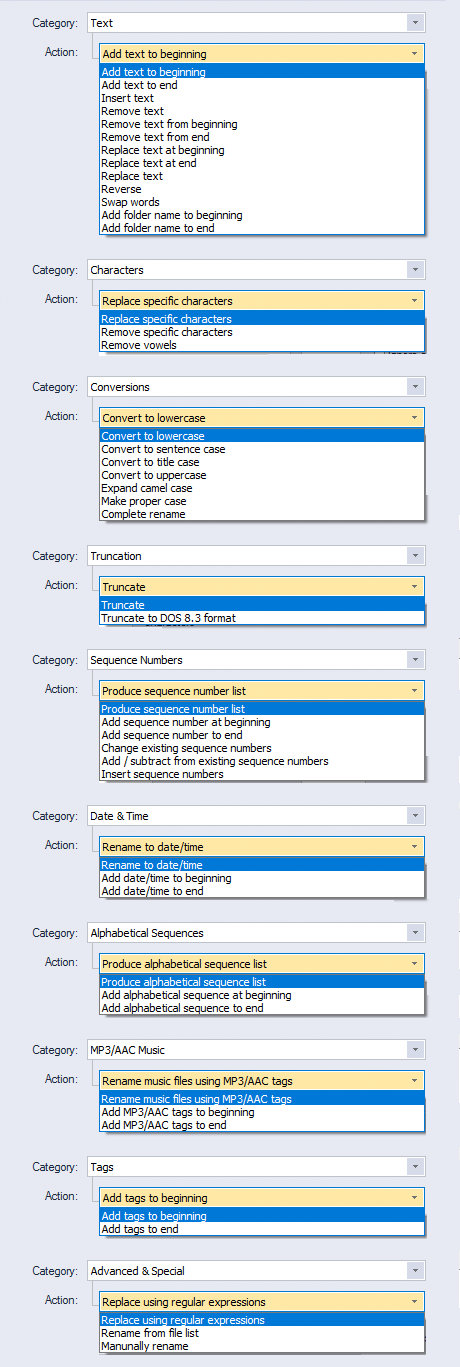
Better File Rename's huge array of renaming options is organized into 10 intuitive categories that cover all the text, character, position, conversion and truncation features you would expect from a great file renamer.
On top of this, it adds advanced features that answer the prayers of professionals and hobbyists alike.

Digital photographers in particular will find the advanced sequence number and date & time features a joy to behold.
Better File Rename reads EXIF shooting date and time from your camera images and uses them to build sequence numbers or add dates to file names.
Support for all major RAW formats (JPEG, CR2, NEF, NRW, ARW, TIFF, etc.) extends this to professional photographers, with access to camera and lens metadata through tag-based renaming.

Music lovers will be delighted by our MP3/AAC renaming feature, which exploits the ID3 metadata embedded in most music files to create naming schemes of your own.
Metadata from MP3, AAC, MP4, M4V and iTunes Store files is supported.
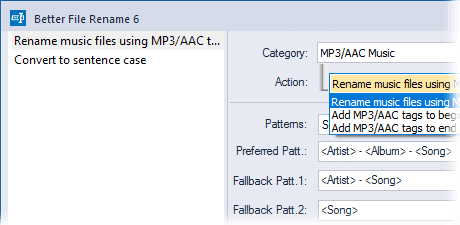
We don't believe in making simple things complicated — most users will find a single action that does exactly what they want.
Sometimes, though, one action isn't enough, and that's where multi-step renaming comes in. Combine multiple simple actions into a lean, mean renaming machine.
Our intuitive multi-step interface, together with instant preview, makes it easy to keep track of what's happening.
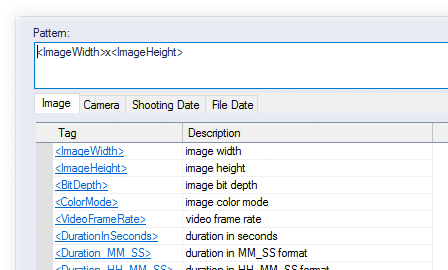
Today's media files carry an abundance of information that can't be gleaned from their often meaningless file names.
Better File Rename lets you leverage this metadata to create more meaningful names using its tag-based renaming feature.
Our engine reads an extensive array of photo, image, music, movie, camera, lens and location metadata, which you can combine into any naming scheme you can imagine.
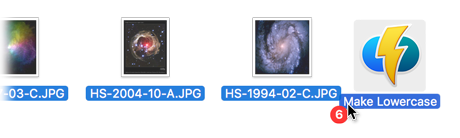
For recurring tasks, Better File Rename lets you save common settings to droplet mini-applications and apply them automatically to any files dropped onto them.
You can edit the stored settings at any time, just by double-clicking the droplet.

System administrators, webmasters and other power users will appreciate advanced features such as regular expression substitution — the powerful string-manipulation technique popularized by Unix and Perl professionals.
Don't just take our word for it — try Better File Rename 6.30 for Windows today.